
Advertising settings
Under Settings → Advertising you set the defaults. They apply to all stories and campaigns unless a story or campaign says otherwise. Changes save automatically.
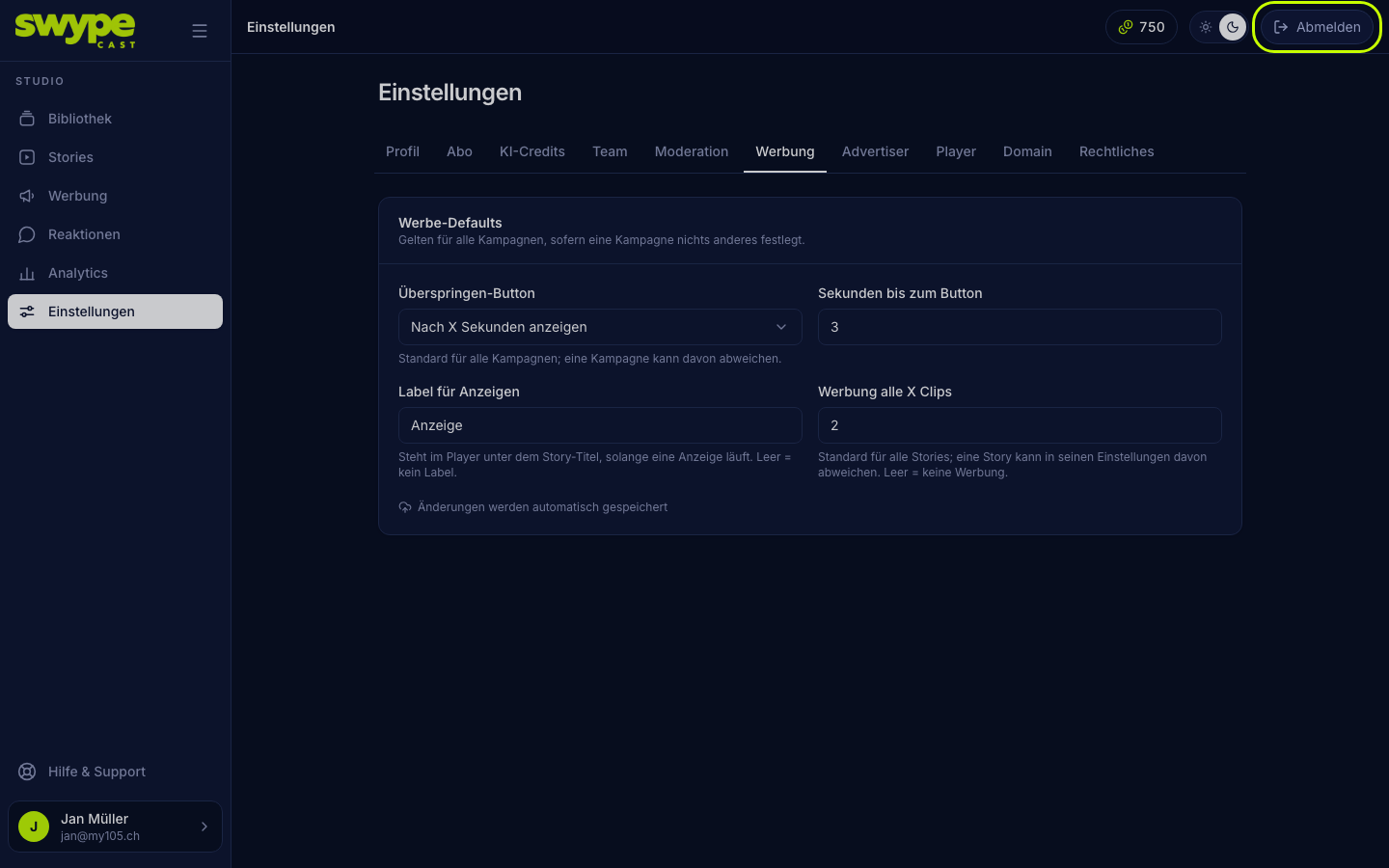
Skip button
- Show immediately: viewers can skip every ad right away.
- Show after X seconds: the button appears only after the set time (Seconds until the button, default 5).
- Never show: the ad plays to the end.
Each campaign can override this.
Label for ads
The text shown under the story title while an ad plays, Anzeige by default. The advertiser's name follows. Empty means: no label. Check what you need legally.
Ad every X clips
After how many clips an ad slot comes. Example: 4 means clips 1 to 4, ad, clips 5 to 8, ad and so on. Empty means: no advertising.
An ad slot never comes after the last clip of a story. If a story has only 3 clips and you set 3 or more, no ad plays there. The studio warns you in that case.
Different per story
- Open the story and switch to the Settings tab.
- In the Advertising group, enter your own value under Ad every X clips. Empty takes the default.
- Or tick Disable advertising in this story.
Was this helpful?