
Help Center · Team and account
Reactions and comments
Everything viewers give back sits under Reactions in the menu. The area has three tabs: Inbox, Moderation and Reactions (the totals per story); as soon as a prize draw has entries, Contests is added, see Prize draw on a clip. The former Moderation page redirects here automatically.
Inbox
The inbox is a protocol in chronological order, across all stories: reactions, votes, polls, barometers, answers to open questions and comments. Every entry names the time, the story, the clip, the kind and the content.
- Quick filters at the top show, with a counter, what needs a hand: Queue, Held back by AI, Questions without answer, Unread.
- Read is separate from moderation: the dot on the left marks a new entry, a click on it ticks it off. So you can see what is new even with automatic release.
- Done takes an entry out of the open view without deleting anything: the status filter "Done" or "All" brings it back.
- Act right there: release, hide, delete, answer or mark as done, without leaving the page. The checkboxes do it for several entries at once.
- Answering writes a public answer under the post, visible to everyone in the player. The viewer is anonymous; but if they left an e-mail address after their comment (from the Pro plan on, the player asks), they get exactly one mail that an answer is there. You do not see the address.
- Reactions are bundled (per clip and 20 minutes), otherwise the protocol is nothing but hearts; Show individually opens the single taps.
- New feedback never jumps into the list, it collects behind the note "x new".
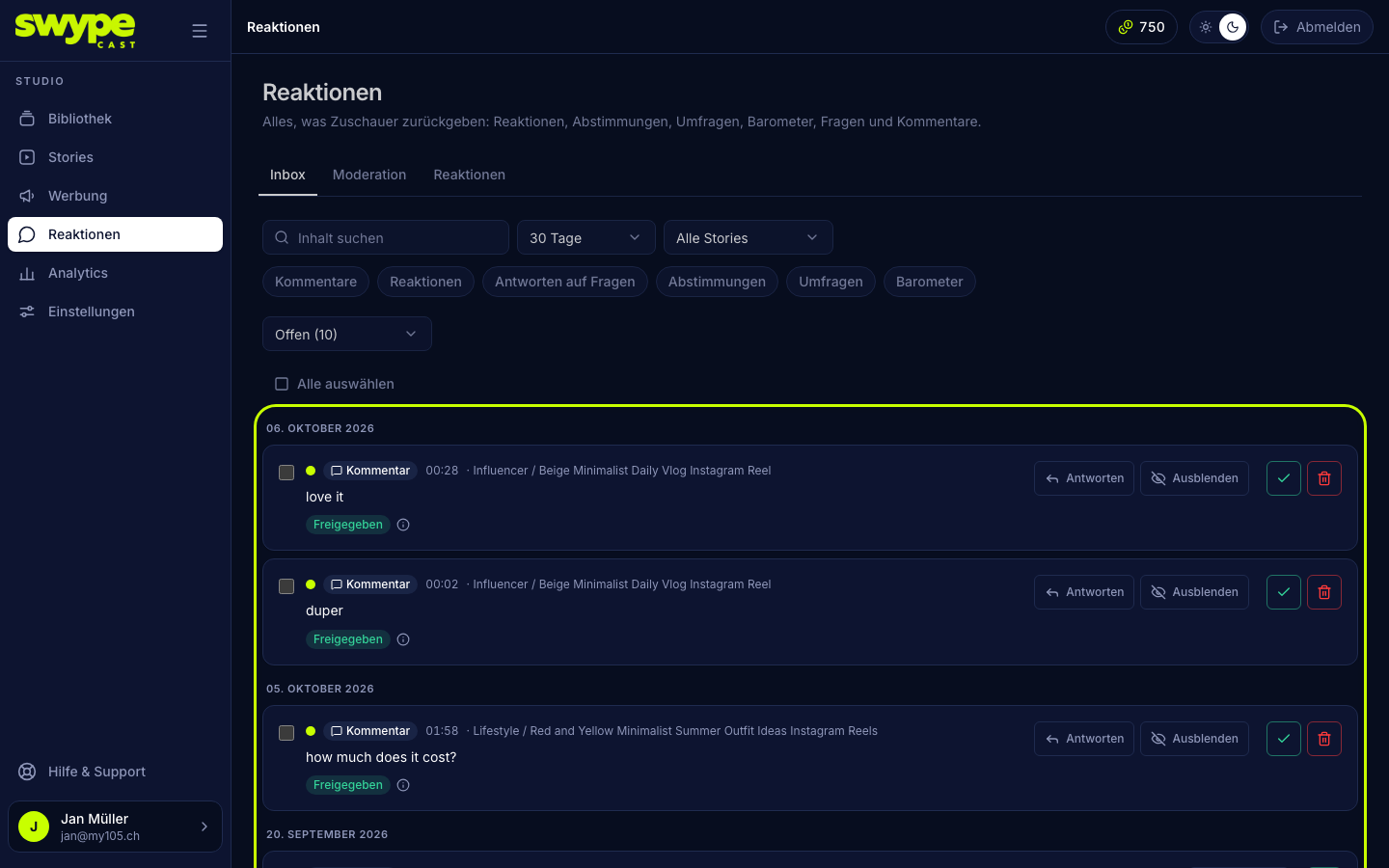
Filters for period (7, 30 or 90 days), story, clip, kind and status (Open, Done, All), and the free-text search, live in the URL: a link opens the same cut-out next time.
Moderation
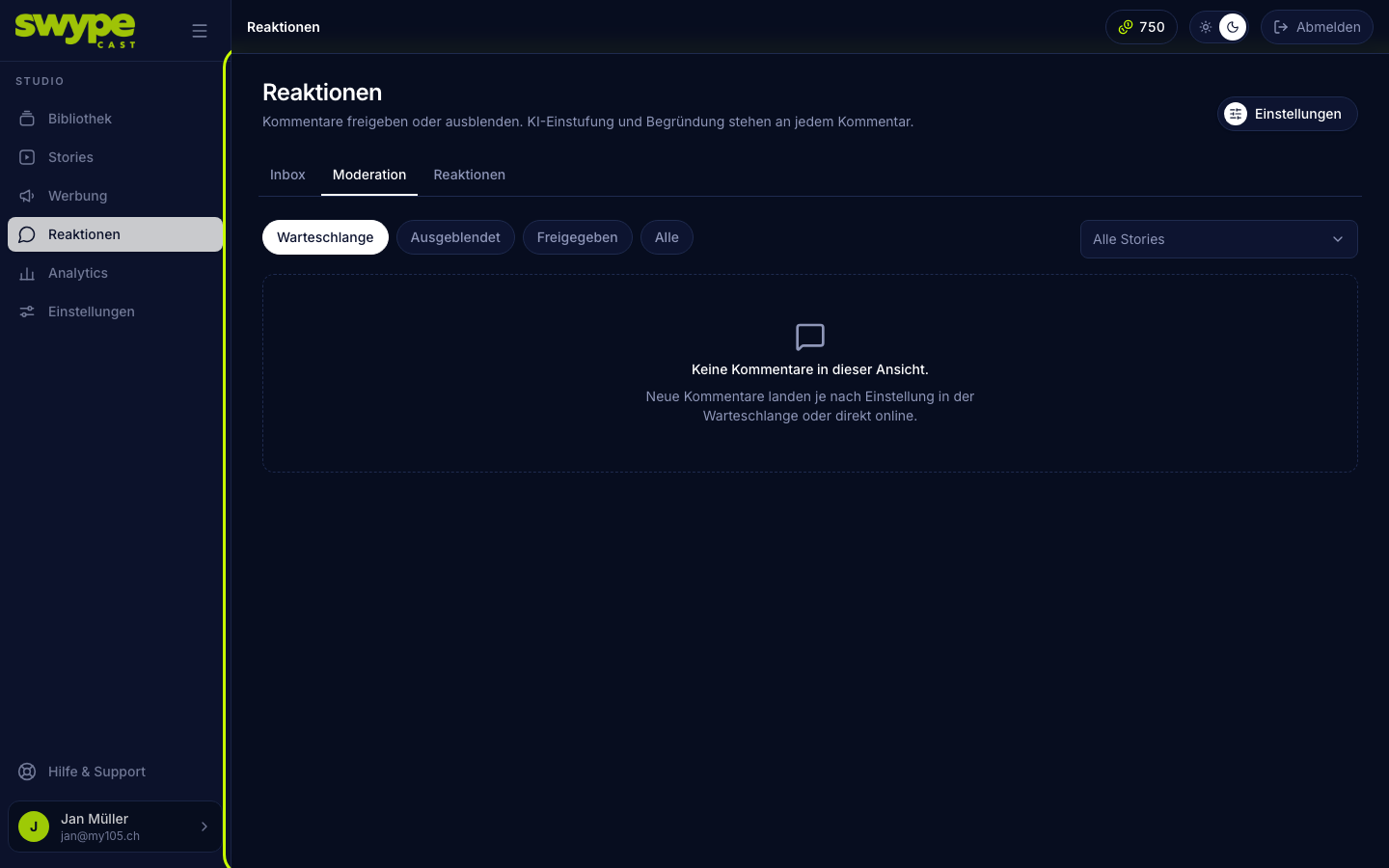
This is the queue with every comment and its status:
- Waiting: not decided yet, invisible to viewers.
- Approved: publicly visible (if the story shows comments publicly).
- Hidden: kept, but invisible.
Each comment carries the AI's assessment (AI: OK, AI: Review, AI: Blocked) with its reason as a sentence; in the inbox it sits on one line and unfolds with the +. On a phone the actions take a row of their own under the content. Approve, Hide or Delete decides, singly or for several at once (tick them). Filters by status and story help tidying up.
Reactions per story
The Reactions tab sums it up, By story or By clip: reactions per emoji, the result of a vote, the distribution of a poll, the average of a barometer, the number of comments and answers. Every link opens the analysis with the same period and the same story.
Set the rules
Under Settings → Moderation:
- Auto-approve: unremarkable comments go public right away. Without this switch they all enter the queue.
- Blocklist: terms, one per line or separated by commas. A comment containing one of them is hidden at once; you still see it in the studio.
- AI moderation (Claude Haiku): every comment gets a quick AI assessment. Per category (hate, insult, sexual, spam/advertising, threat, off-topic) you decide whether a hit goes To review in the queue or is blocked right away (Block). If the AI fails, the comment goes to the queue to be safe, never public automatically. AI moderation is part of the Team, Pro and Business plans.
- Additional rules: free text for the AI, e.g. "Criticism of prices is fine, insults against staff are not".
- Notify on comments for review: under Recipients, pick the members who get an e-mail when something waits in the queue, at most one every 30 minutes.
What viewers see
Per story you set whether comments are allowed and public (see Story settings). A comment is accepted at most once per session and time window, that curbs spam.