QR code and feeds of a story
Besides its normal link, every story has a short link, a QR code for print and, from Pro, its own feeds. Everything sits in the story editor in the Share tab.
Where to find it
Stories → open a story → Share tab. It has three tabs: Link and embed, QR code and RSS feed. Link, QR code and feed only work once the story is live.
The short link
Under Link and embed you find the Short link (stays the same when renamed). It looks like your-name.swypecast.com/s/… and always forwards to the story's current address. If you change the slug later, the short link keeps working. That makes it the safe choice for flyers, posters and emails.
Download the QR code
- Switch to the QR code tab. The preview is on the left.
- Under Design, pick the logo in the middle: SwypeCast branding, Your own image (story profile, otherwise the organisation's logo) or Neutral (no logo).
- Download the code as PNG (2048 px) or as SVG. SVG is the best choice for printers because it scales to any size.
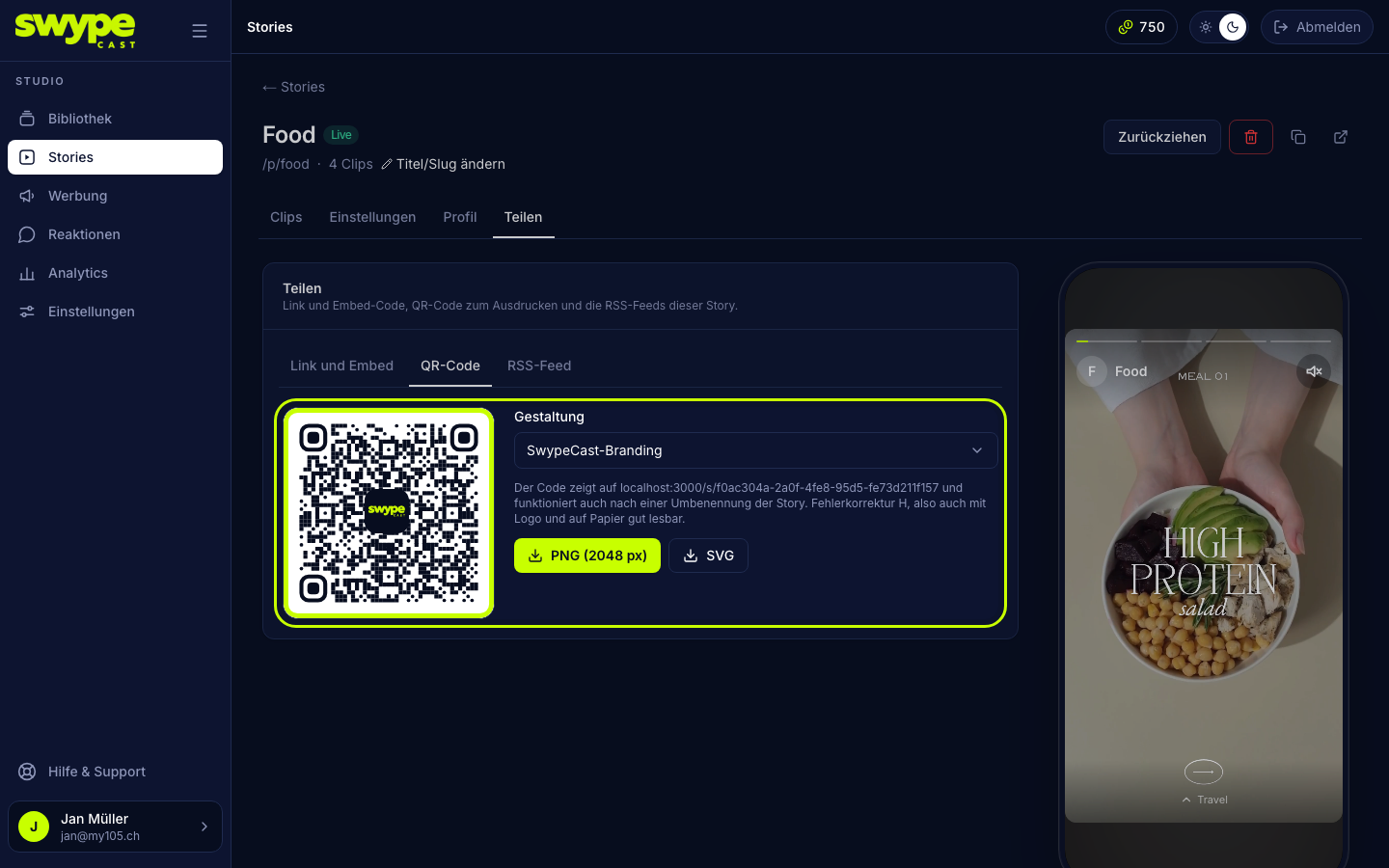
The QR code points to the short link. It uses the highest error correction, so it stays readable with a logo and on paper.
RSS feeds (from Pro)
The RSS feed tab offers two variants:
- Standard RSS 2.0: for any reader, newsletter tool or website. This story comes first, followed by your other published stories in the order people swipe through them in the player. Each entry lists the clips with preview image, title and link.
- Audiospace: the story as a single article in the format Audiospace imports. Below it you also find the feed URL of the whole organisation:
your-name.swypecast.com/feed/audiospace.xml. It always shows the first story in your list. With?category=<tag>it takes the first story whose clips carry that tag.
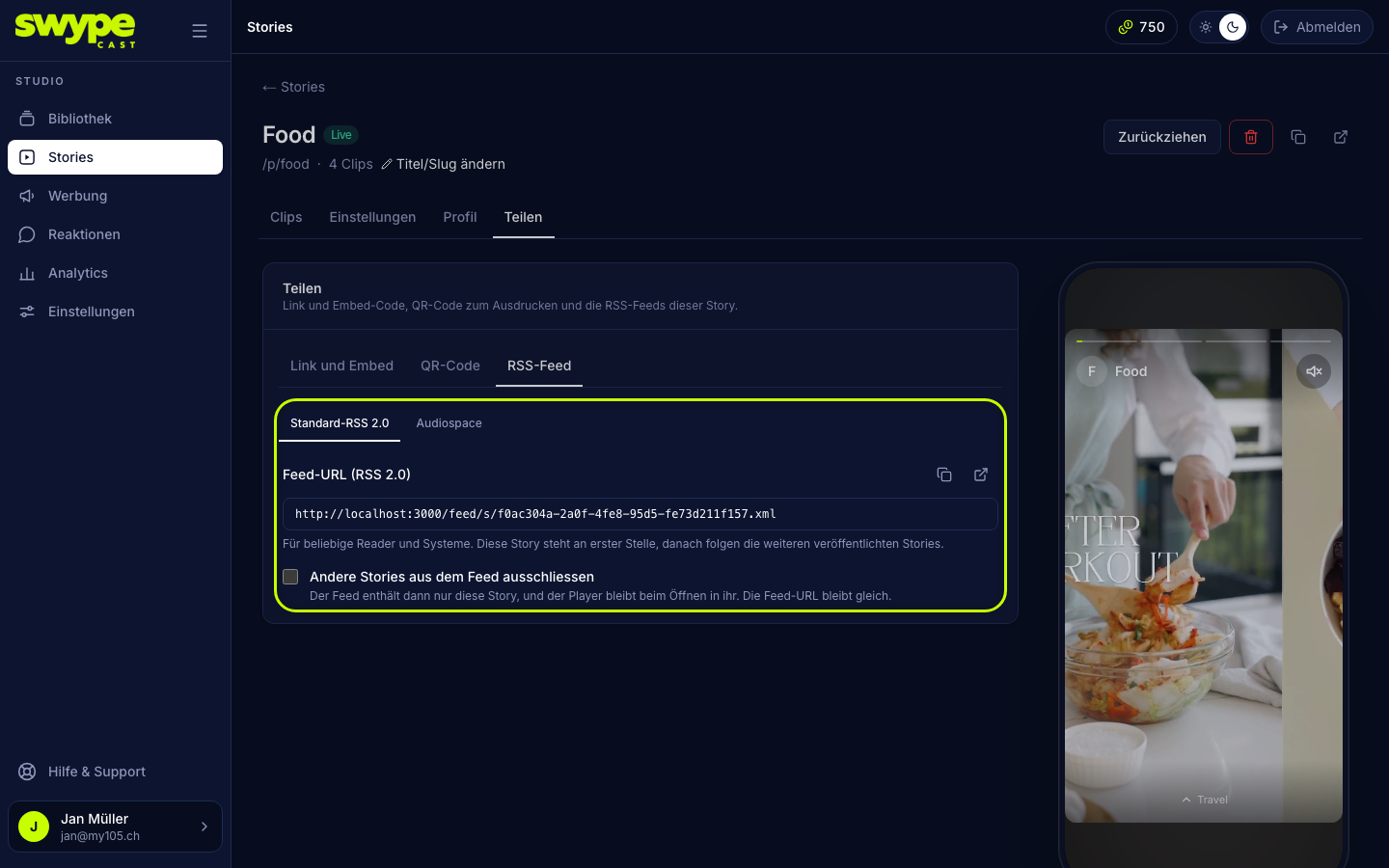
With Exclude other stories from the feed, the standard feed contains only this story. The feed URL stays the same.
Feed across all stories
A standard RSS feed of your whole story row is under Stories → Share & embed in the RSS feed tab (your-name.swypecast.com/feed.xml). These organisation feeds need your own subdomain.
Good to know
- Feeds only show live stories. Stories you do not list in the row are missing from the feeds of other stories and of the organisation.
- A change shows up in the feed within a minute at the latest.
- A feed holds at most 50 stories.
Plans
The QR code is available in every plan. Your own logo in the code and the feeds come with the Pro and Business plans. Until then the code carries the SwypeCast mark.